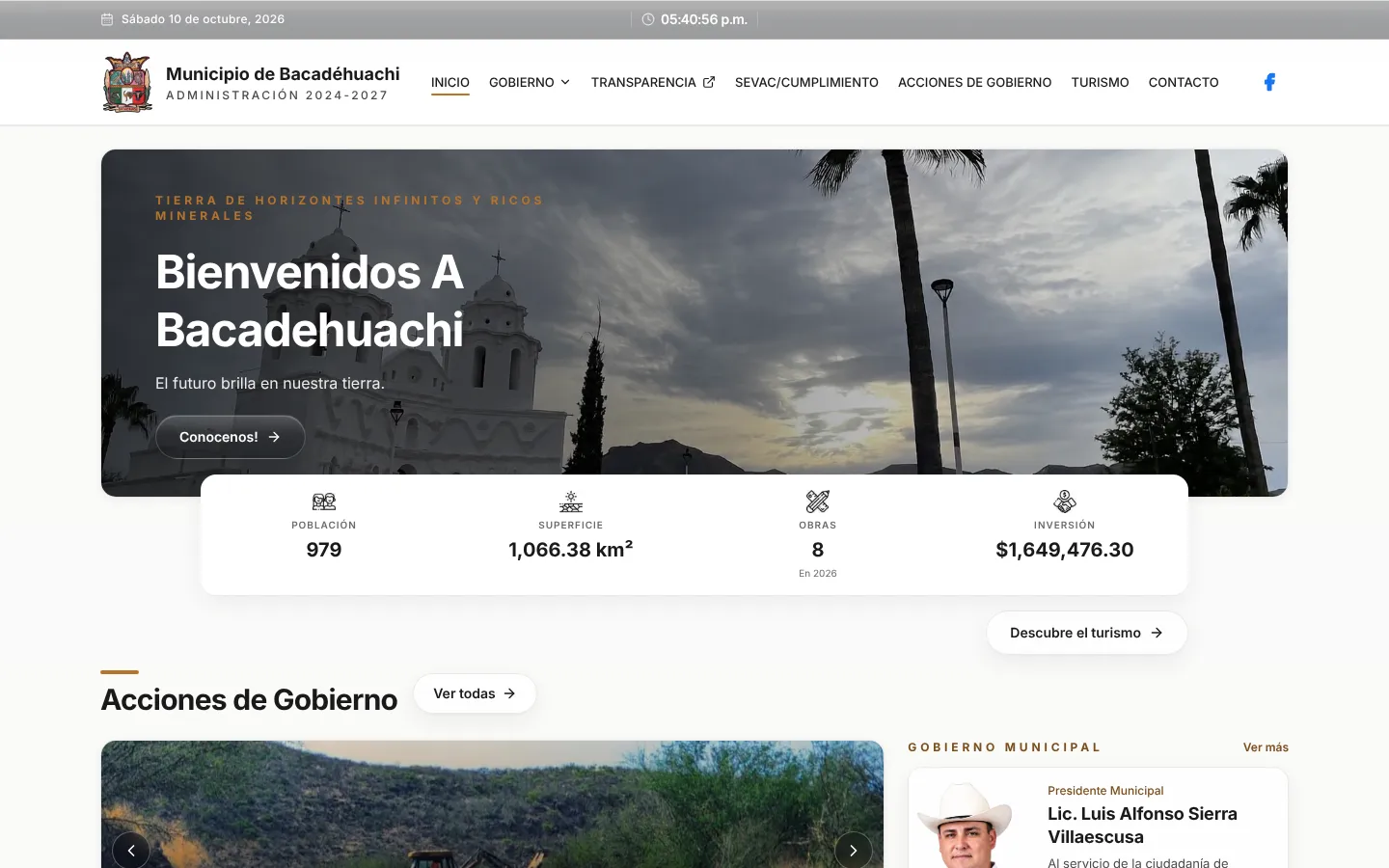
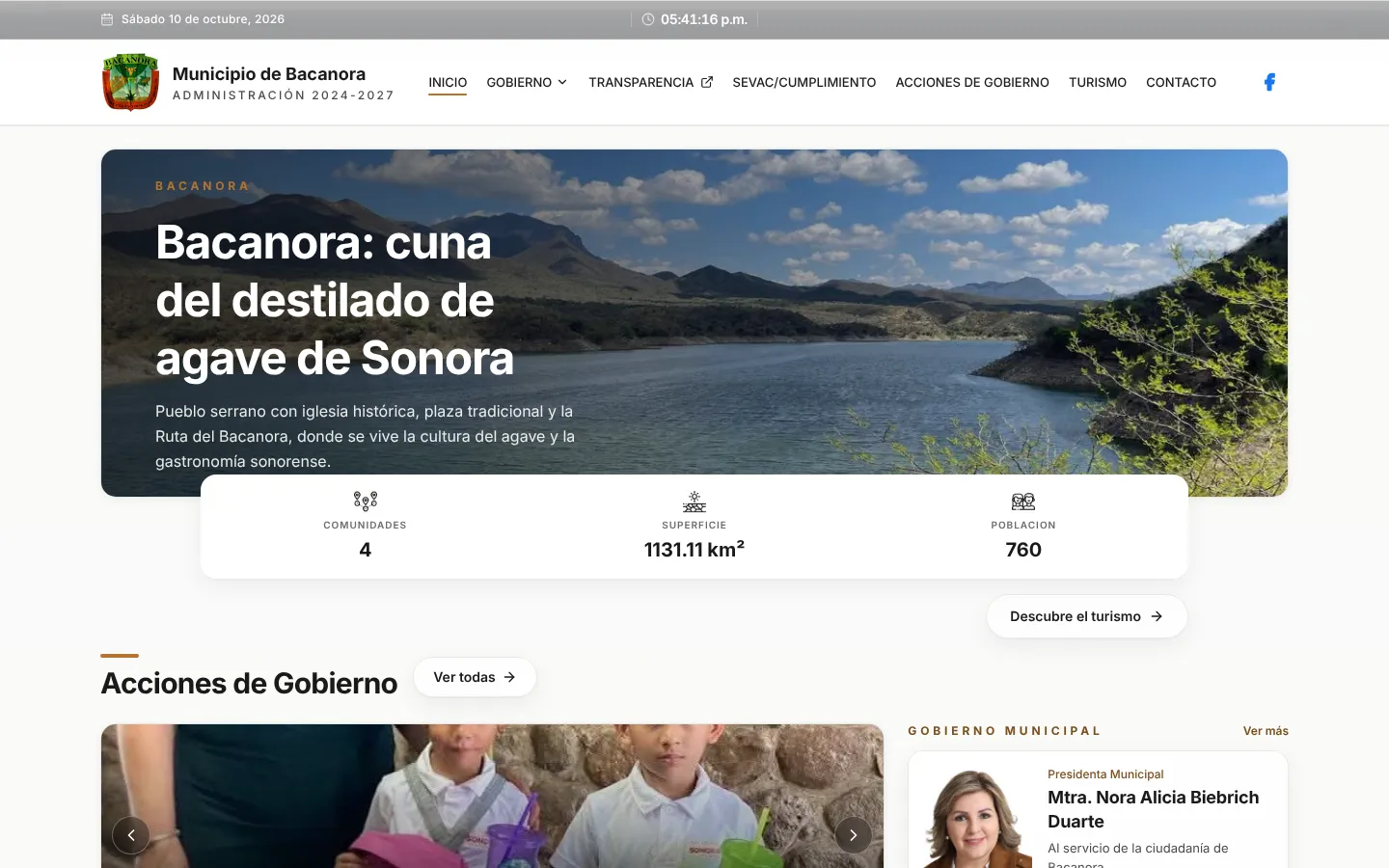
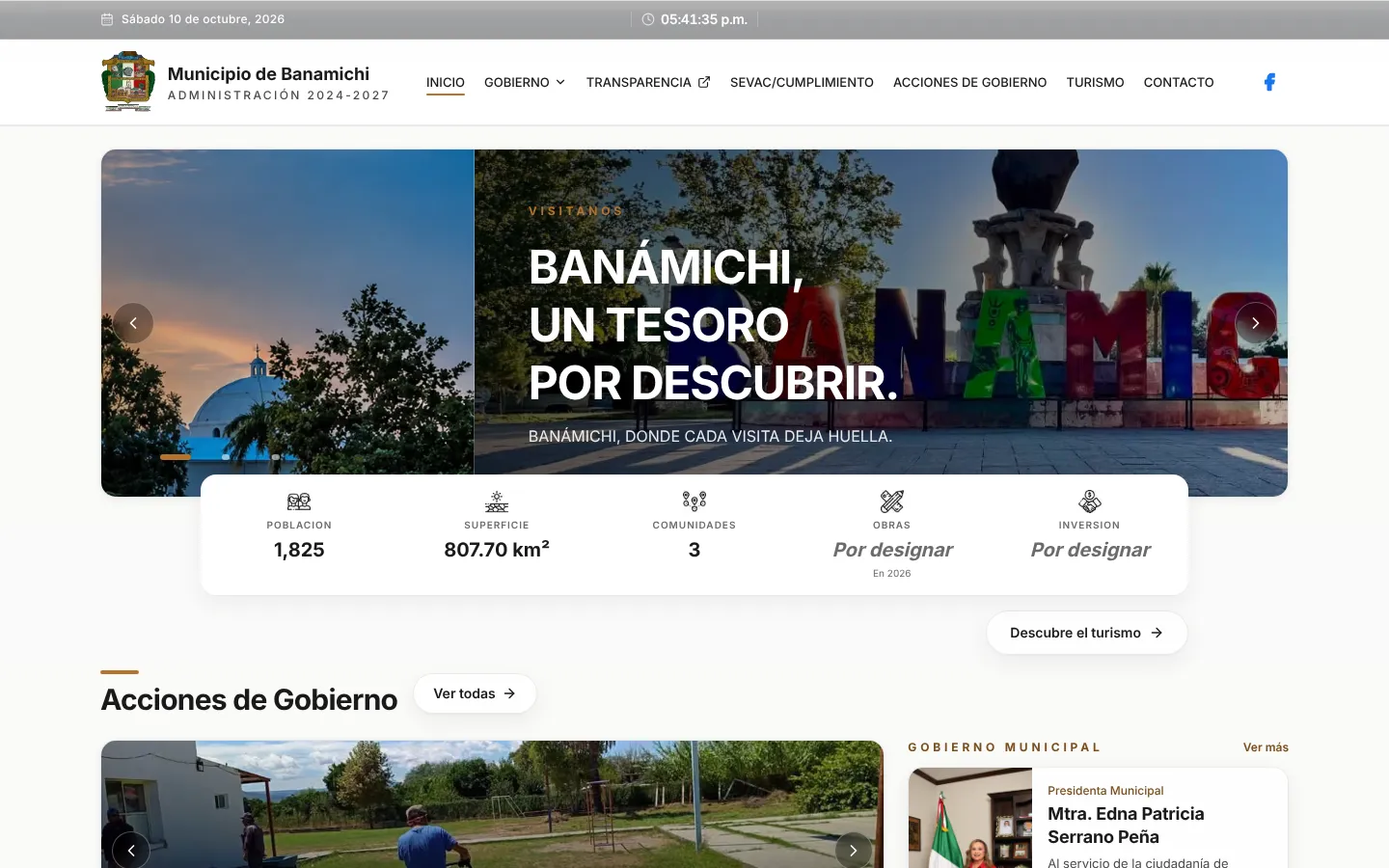
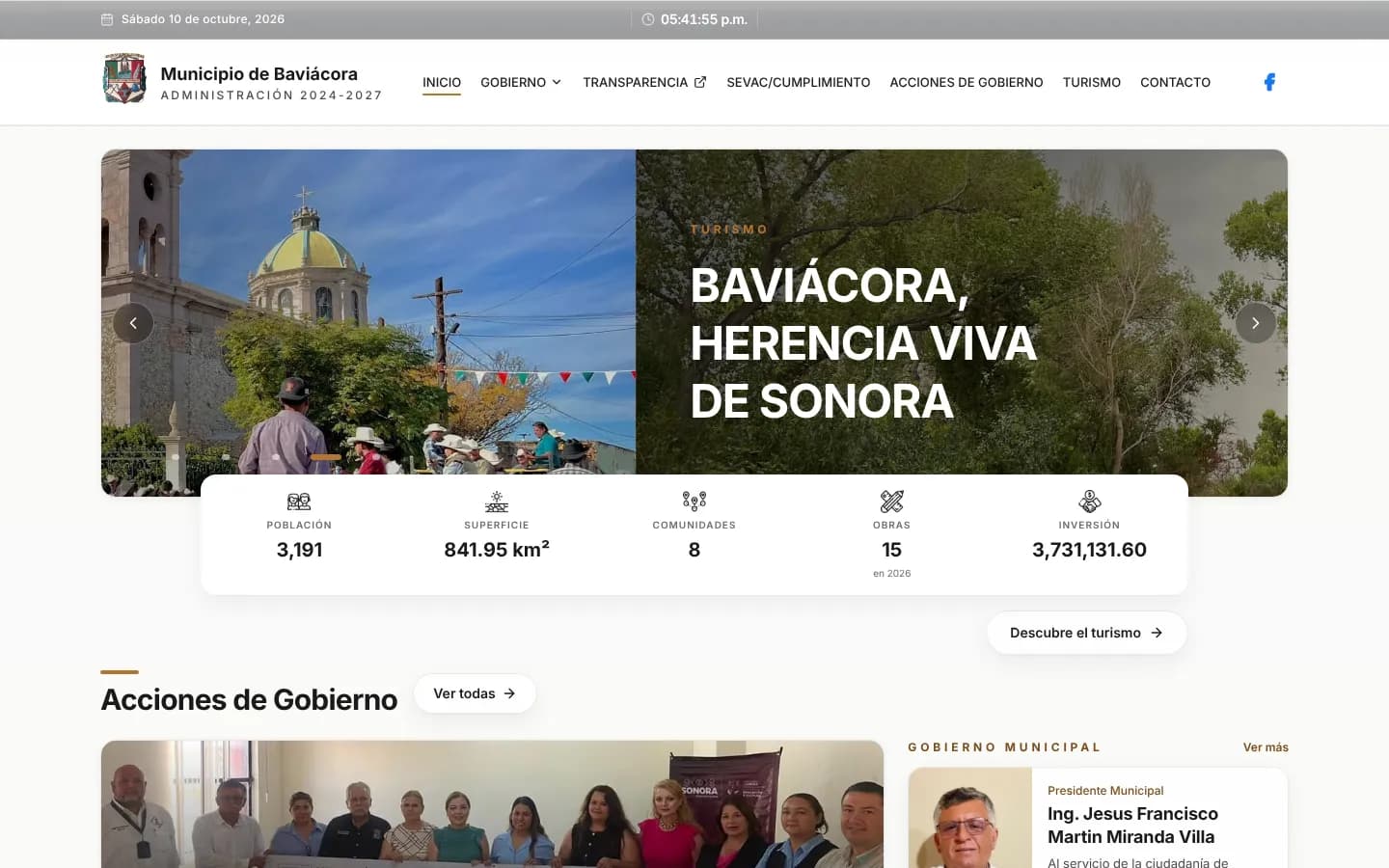
Digital studio

A clear north in the digital world.

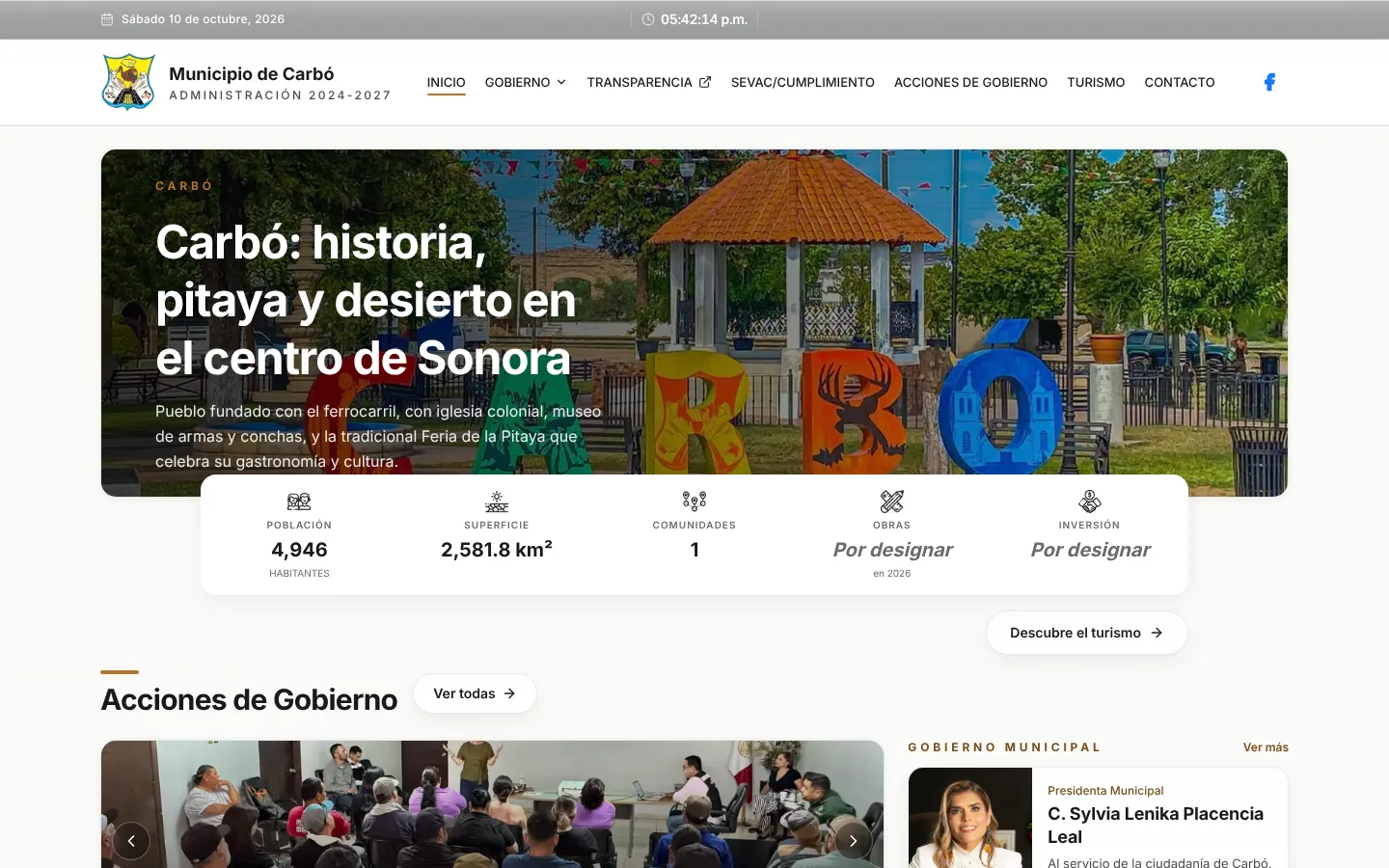
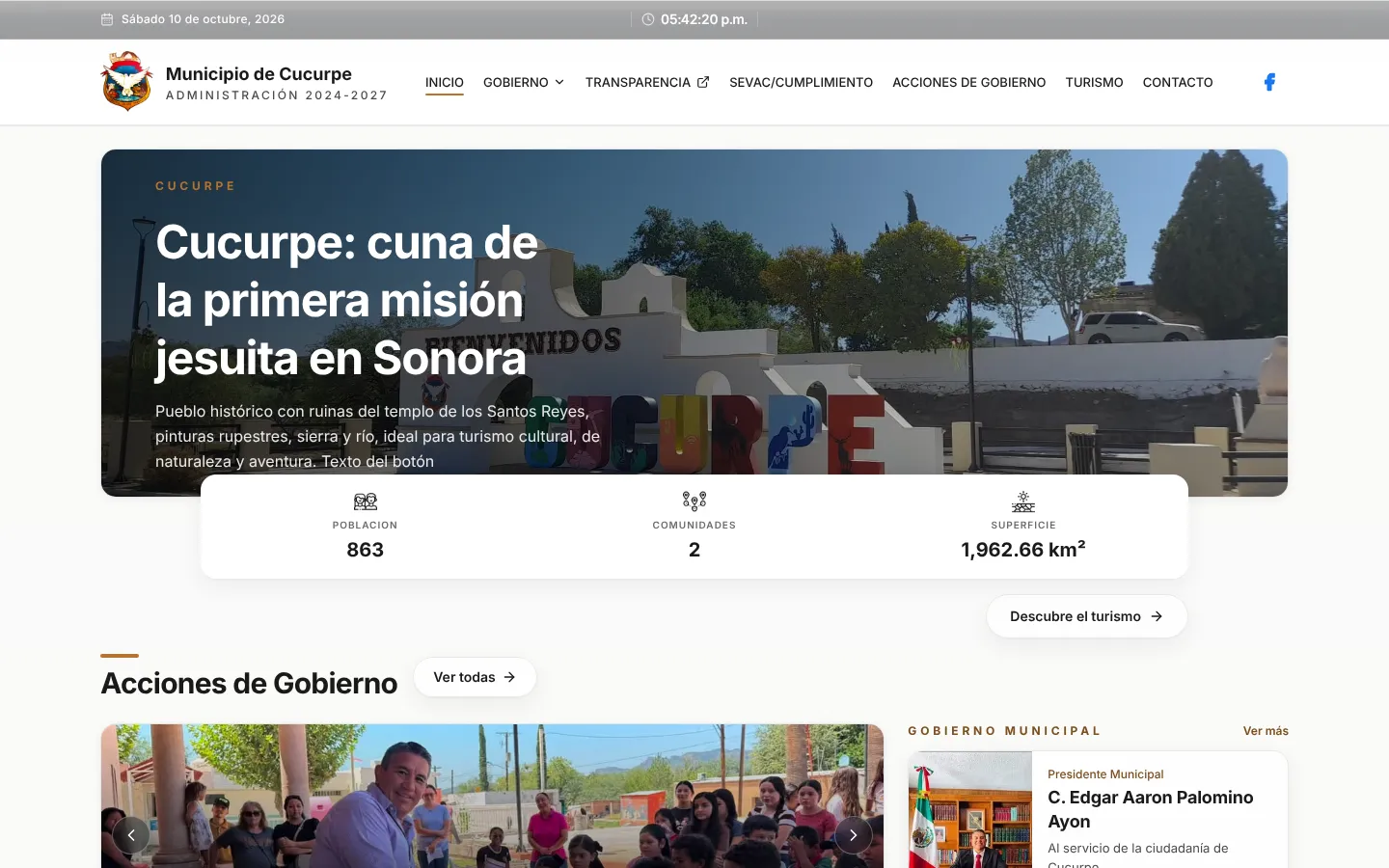
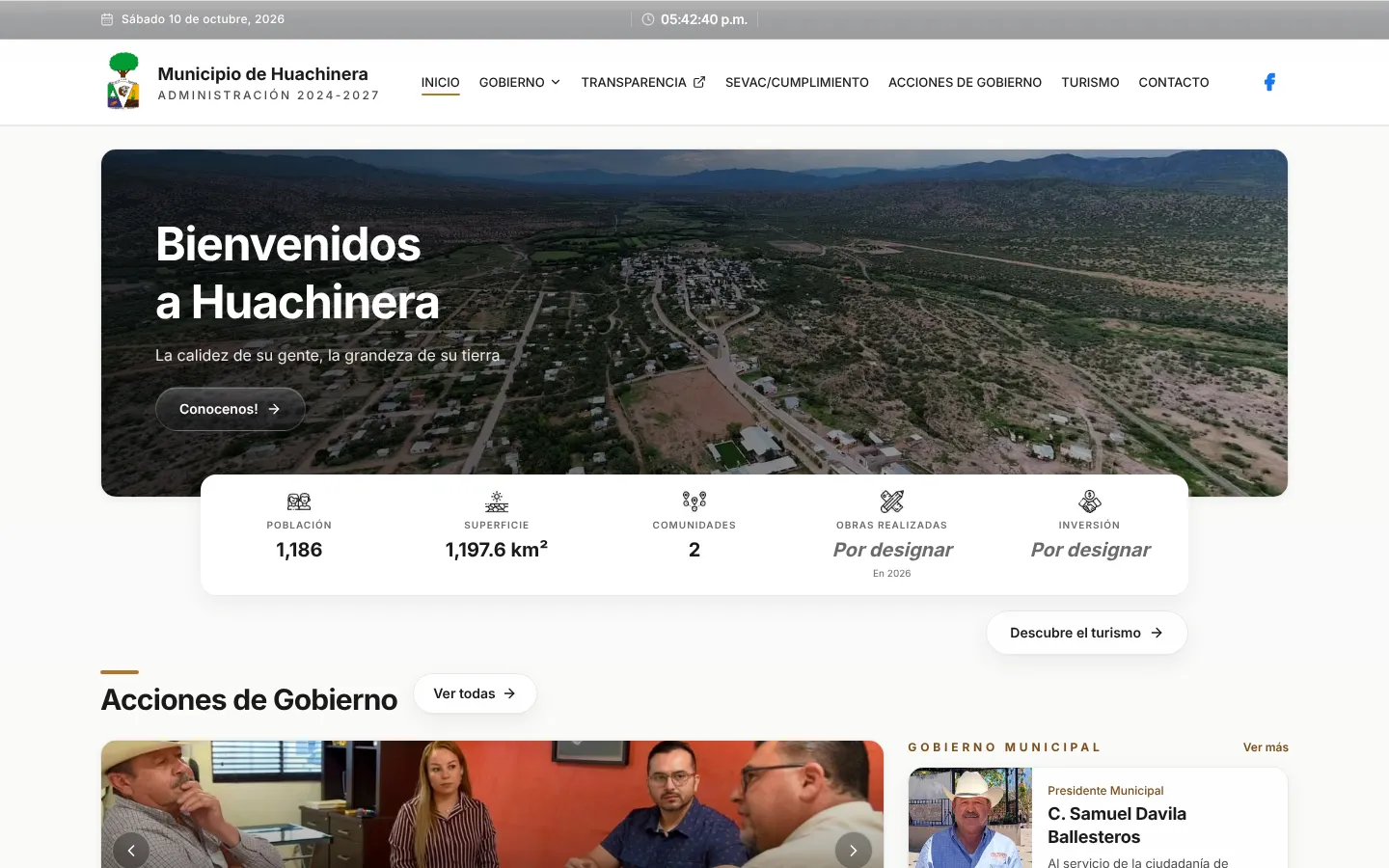
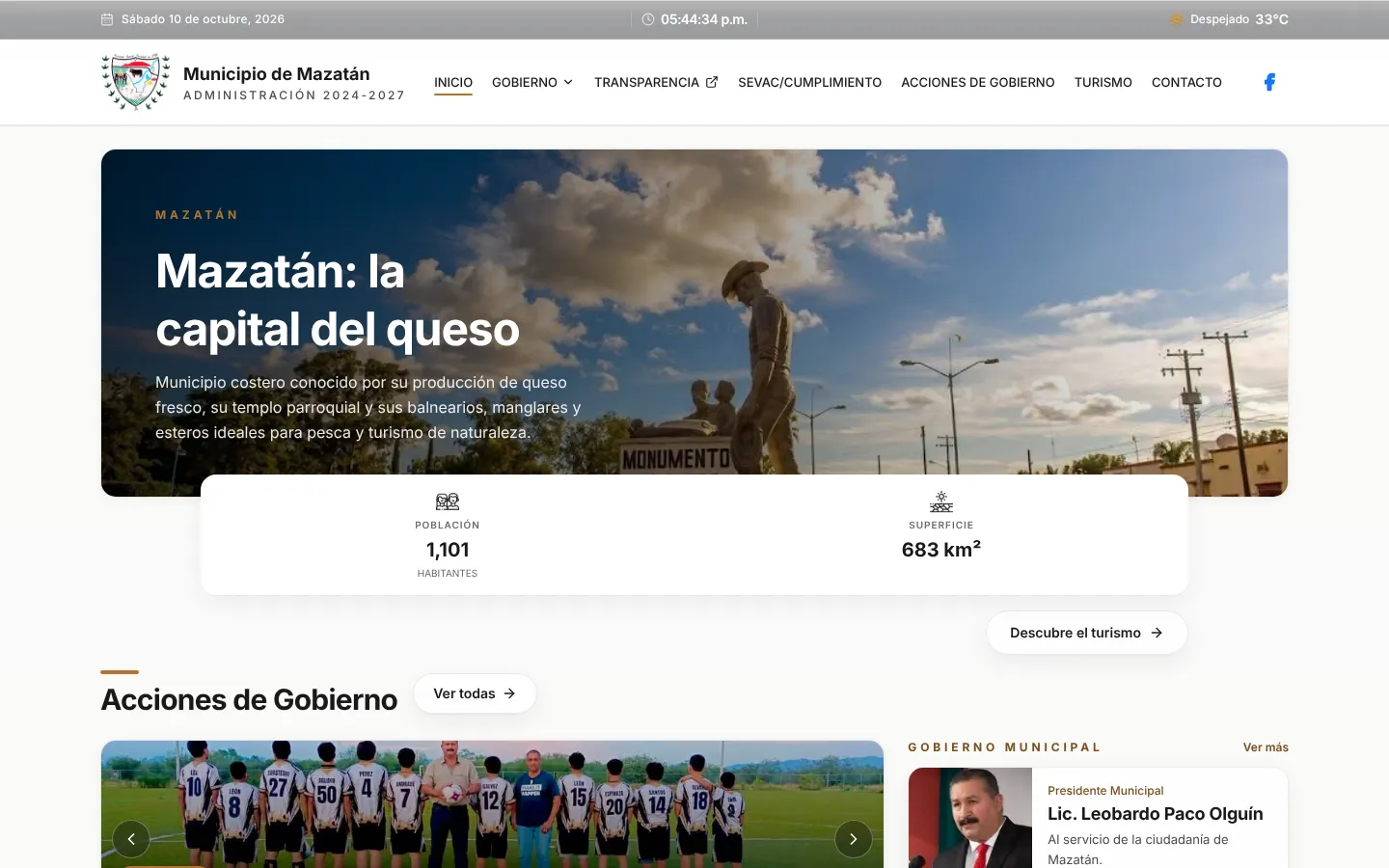
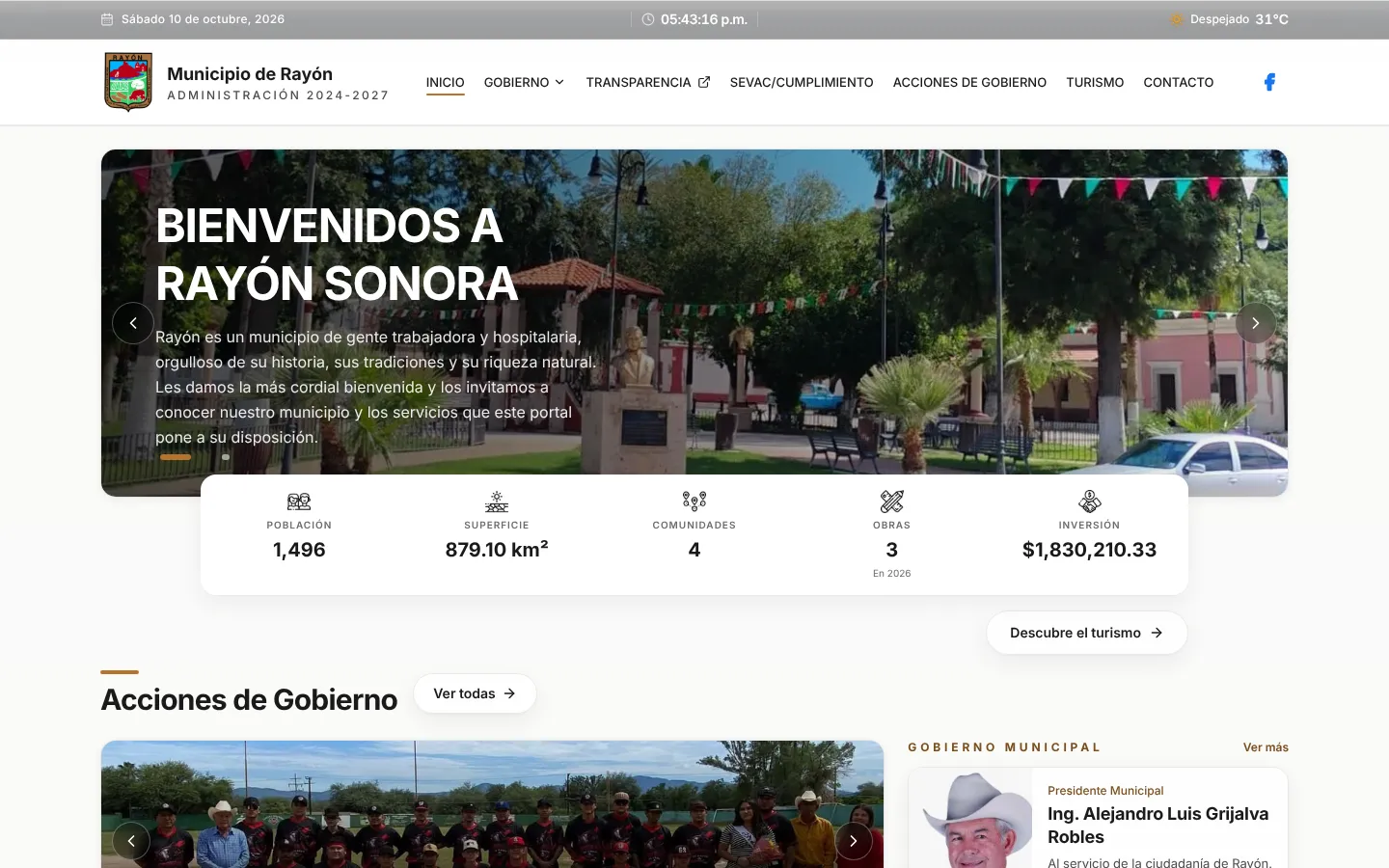
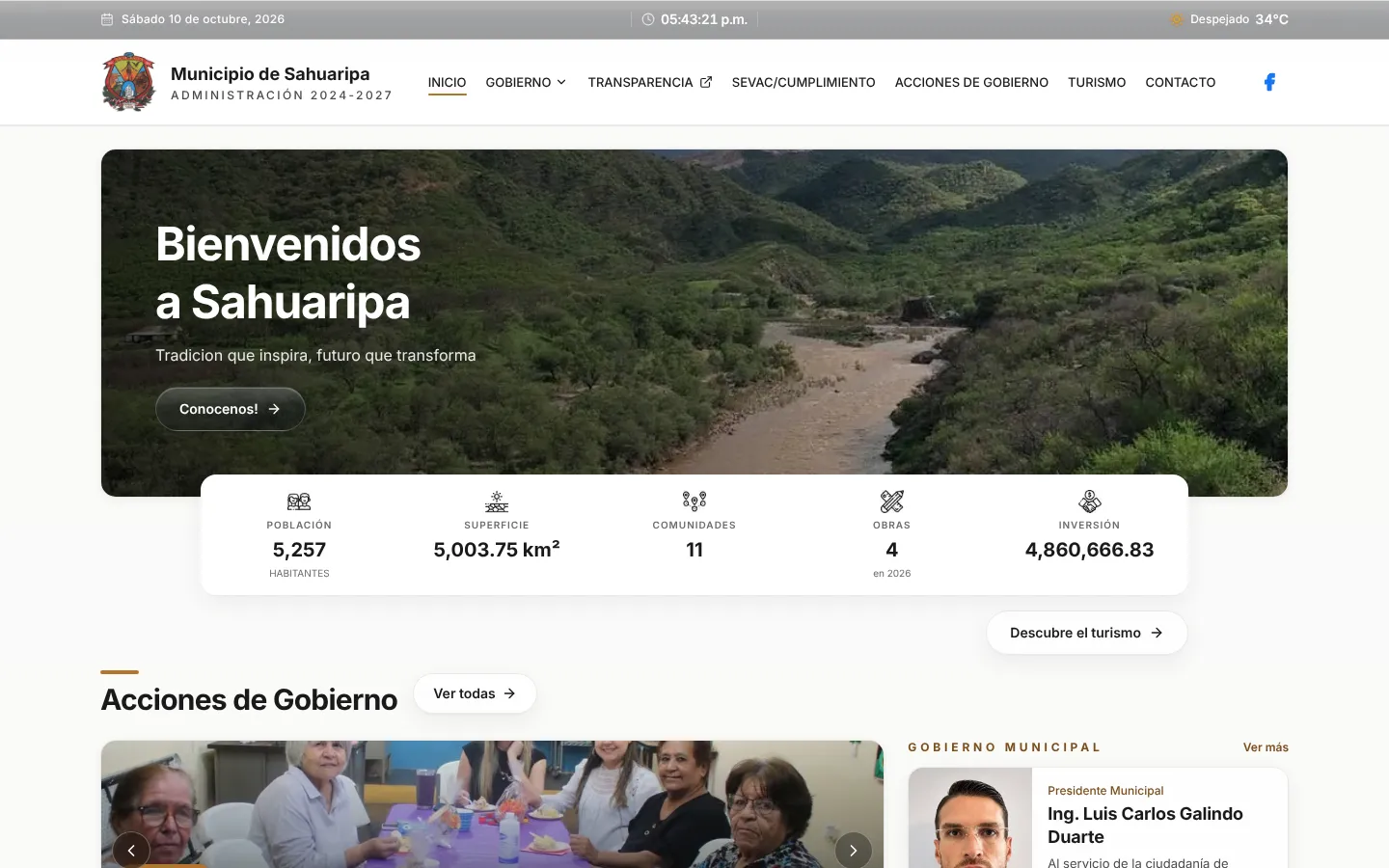
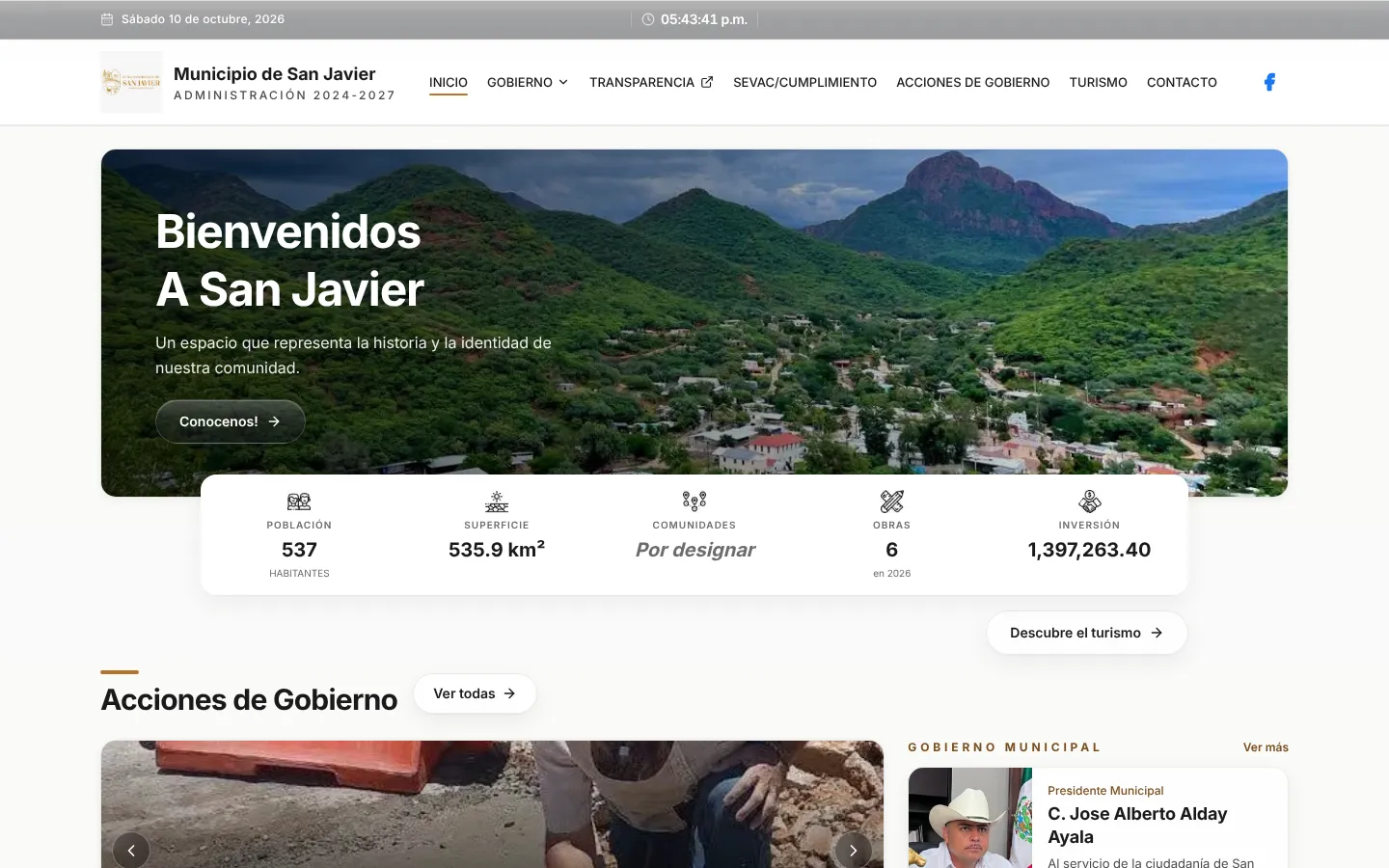
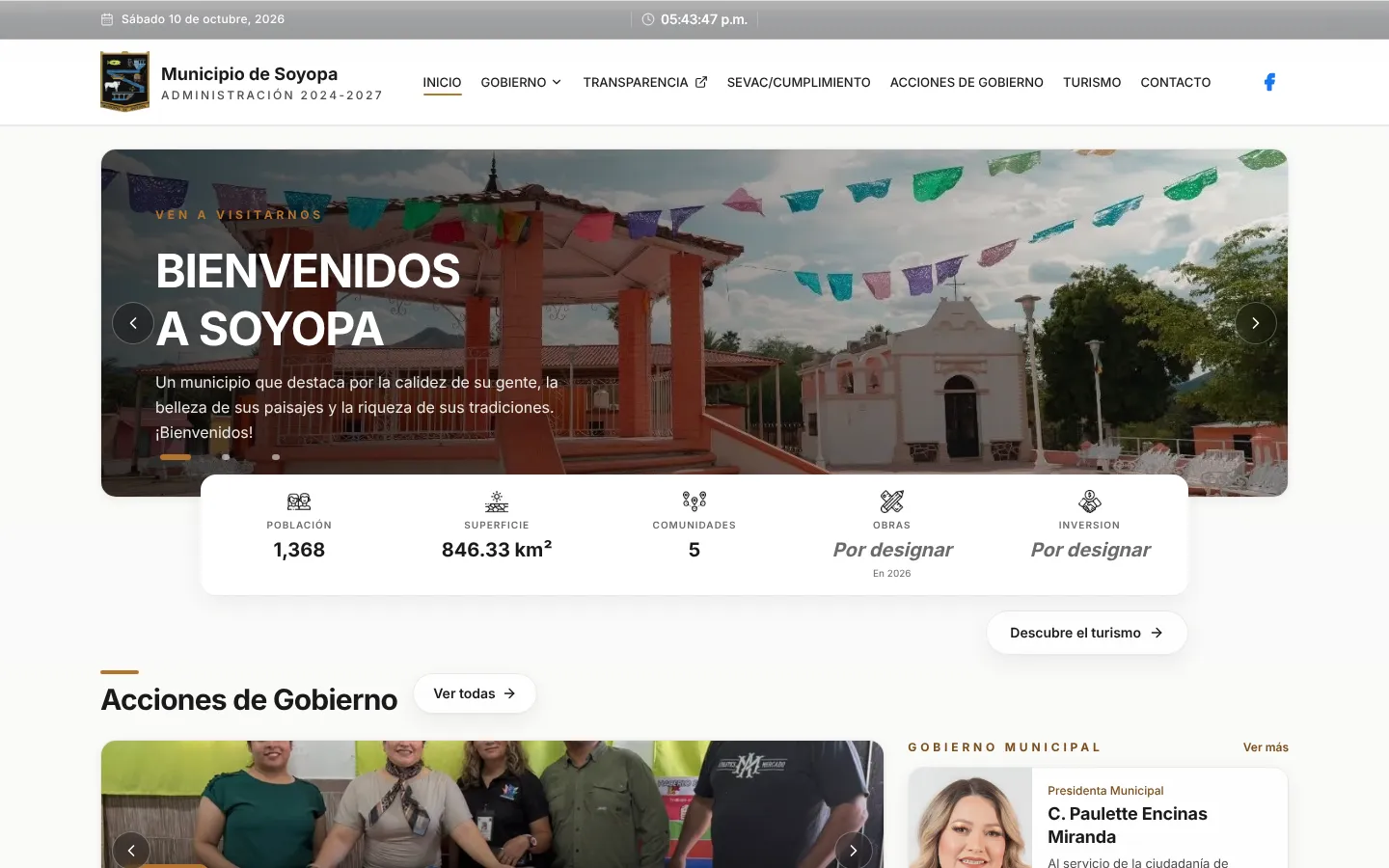
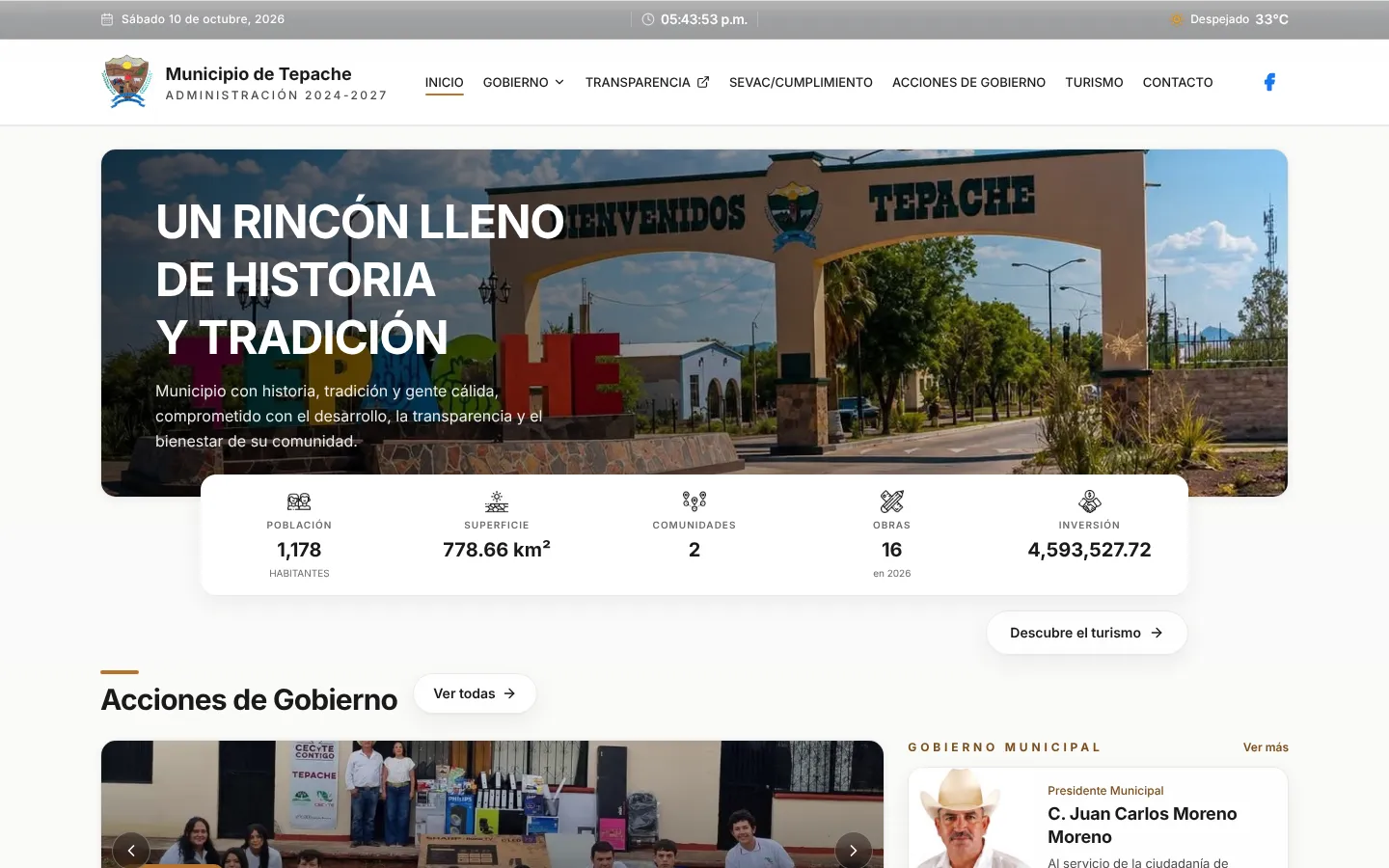
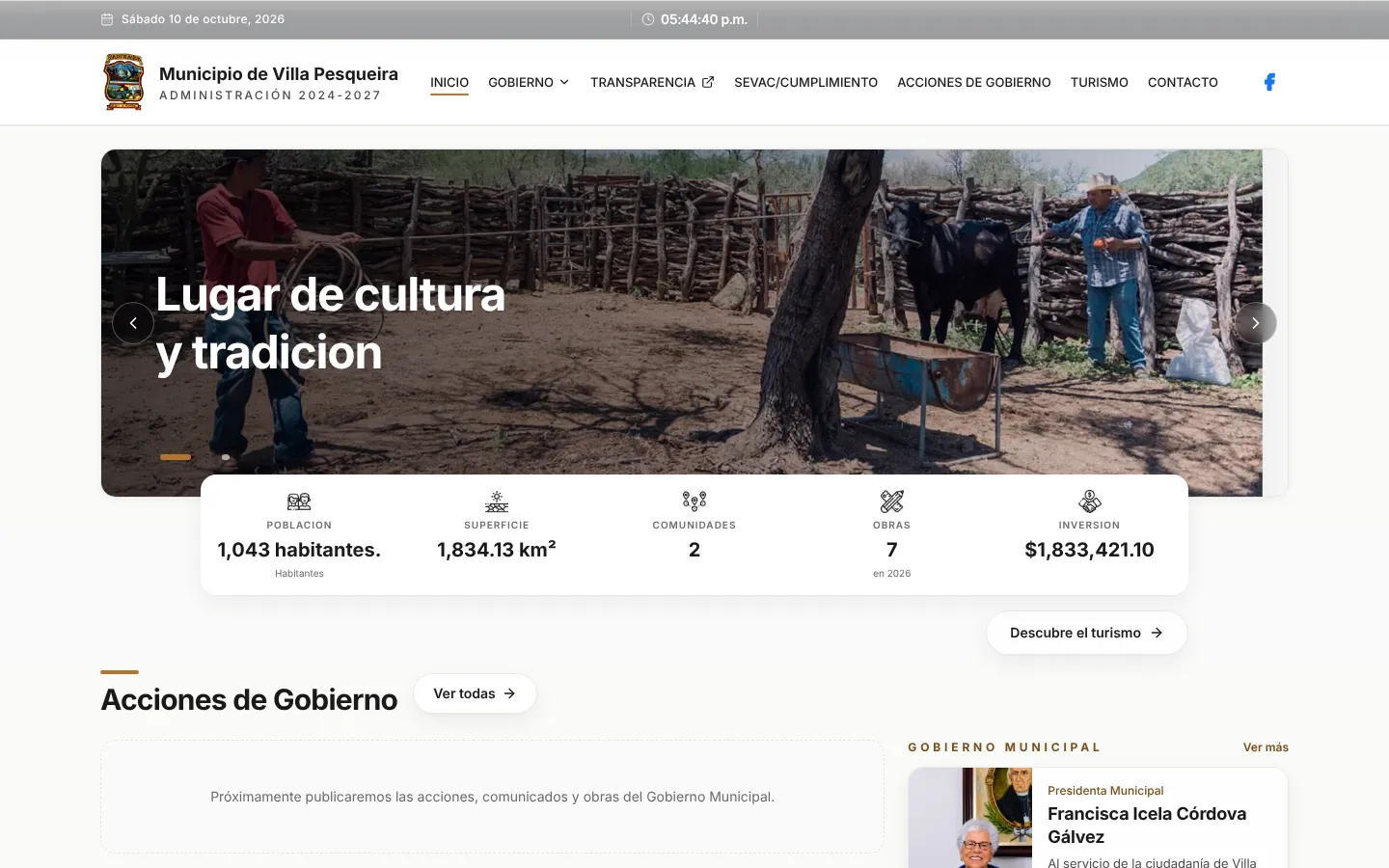
We build municipal portals, websites and digital solutions that earn trust.

Explore

Services

What we build

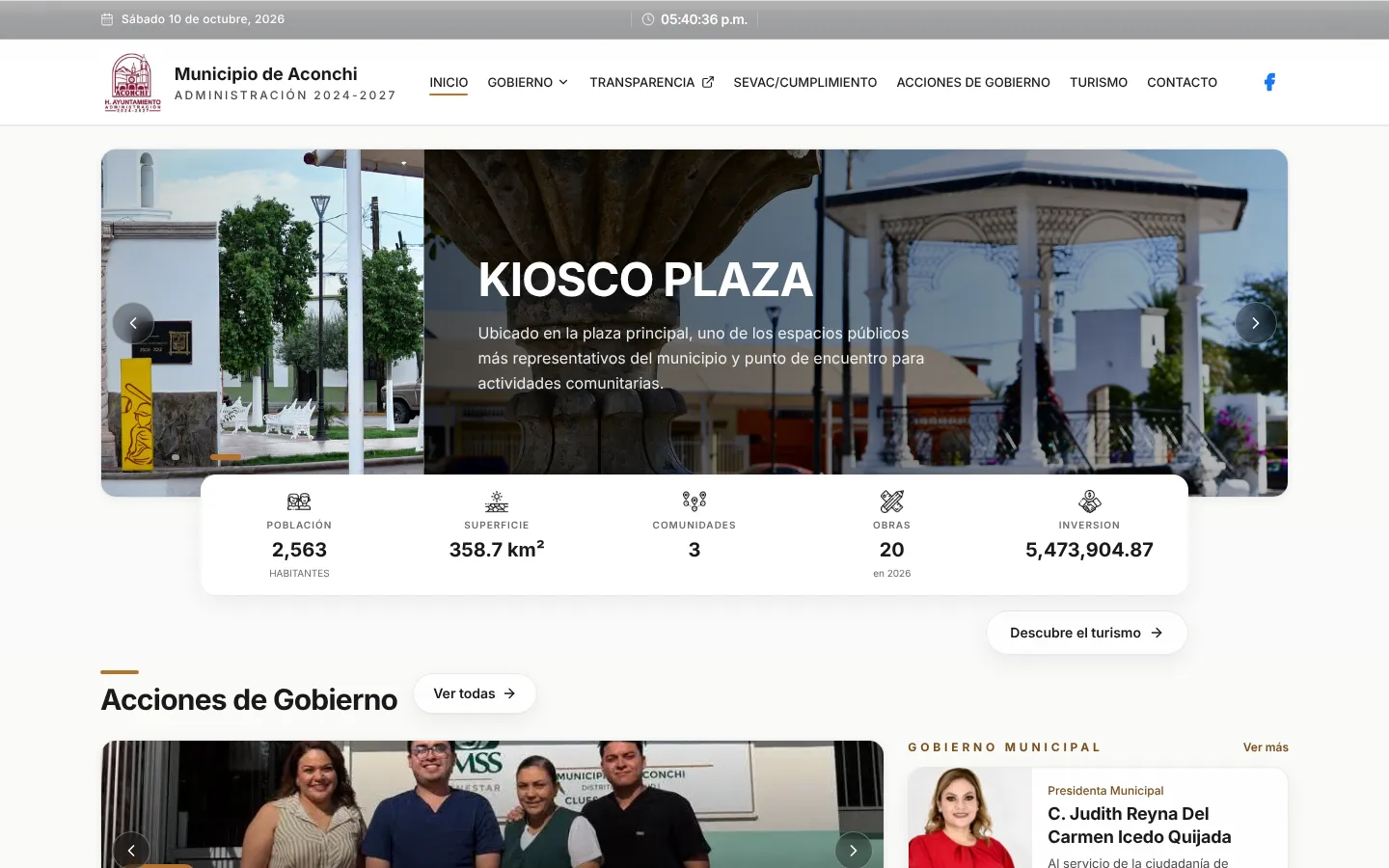
Municipal portals, websites and digital solutions with clean design and well-built technology.

  • Digital presence

    Your organization, clear and professional online.

  • Organized information

    Everything in its place and easy to find.

  • Security

    Protected access and data under control.

  • Procedures

    Services and requirements at a glance.

  • Communication

    Clear messages for your community.

  • Administration

    Publish and update on your own.

New

Smart chatbots

We implement smart chatbots that support your customers around the clock, answer frequently asked questions, capture leads and hand important conversations over to your team. We design each assistant around your business's tone, information and goals, integrating it with your website, WhatsApp or other channels as you need.

How does it work?

We analyze your customers' most common questions and needs, define the communication tone and create an assistant trained on your company's information. The chatbot can answer questions, schedule contacts, collect data and hand complex cases over to someone on your team.

Benefits

  • Support available 24/7.
  • Immediate, consistent answers.
  • Lead and contact data capture.
  • Less workload for your support team.
  • Integration with your website, WhatsApp or other channels.
  • Continuous improvement based on real conversations.
Security

Protected platforms.

We implement modern protection and access control measures for the administrative platforms we build.

  • VPN-protected access

    The panel is managed over a private, encrypted connection.

  • Secure admin login

    Only authorized people get into the panel.

  • Protection for your platforms

    The information of your company, business or municipality, safeguarded.

  • Access control and monitoring

    Who gets in and what they can do, always in view.

Tell us about your project on WhatsApp

This is how you sign in to your admin panel

Three steps of access to our CMS. We hide the sensitive data and show Northa's email.

Real screenshots
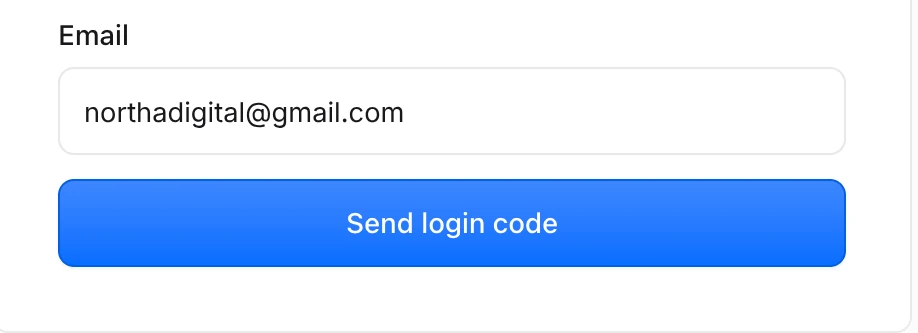
  1. Step 1First, private accessBefore showing the panel, Cloudflare Access asks for the email of the person signing in.
    Screenshot of the email field for the person signing in, with the button to send the code.
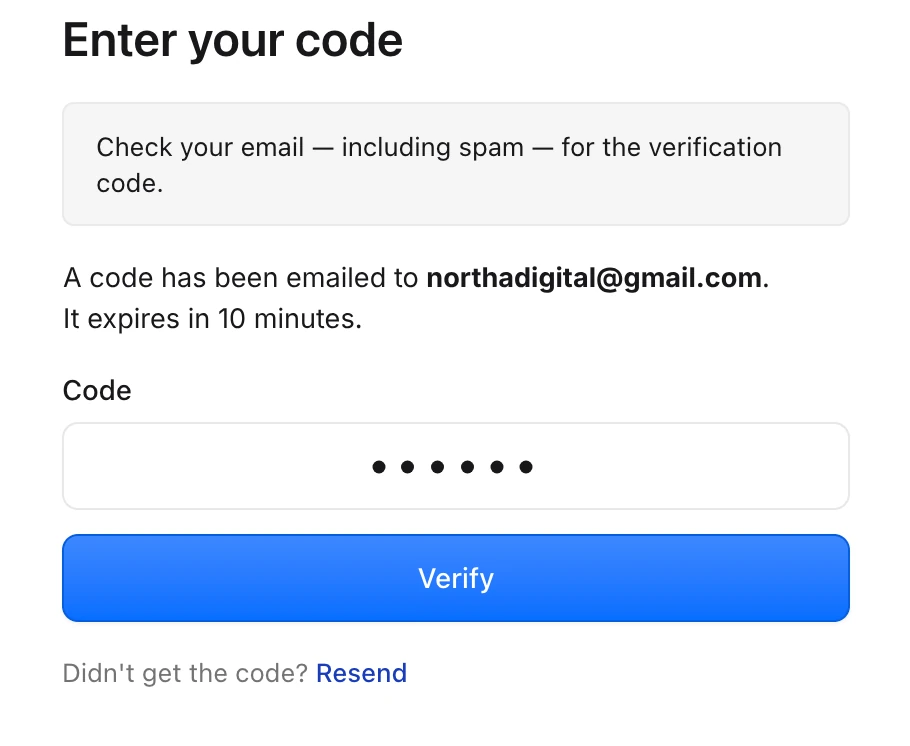
  2. Step 2One-time codeIt arrives at that email and expires in 10 minutes.
    Screenshot of the screen where you enter the one-time code sent by email, which expires in 10 minutes. The code is hidden.
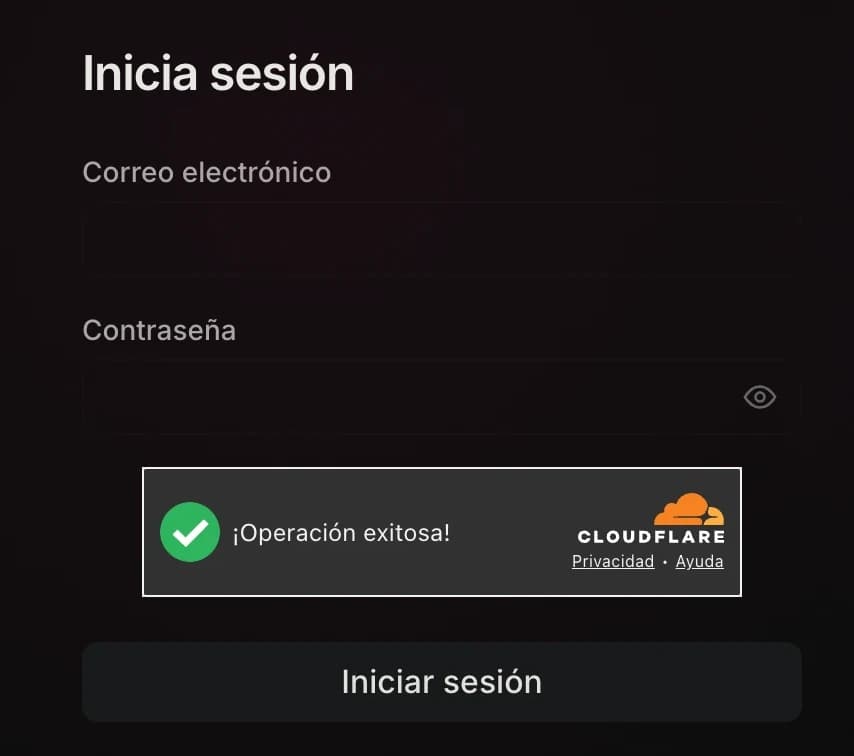
  3. Step 3Then, the panel loginEmail, password and a Cloudflare anti-bot check.
    Screenshot of the panel sign-in, with the email and password fields empty and the Cloudflare anti-bot check passed.